Sign in and open Setup
Open the app and sign in. In the menu, tap Setup and enter your business name, address and phone, then tap Save settings.
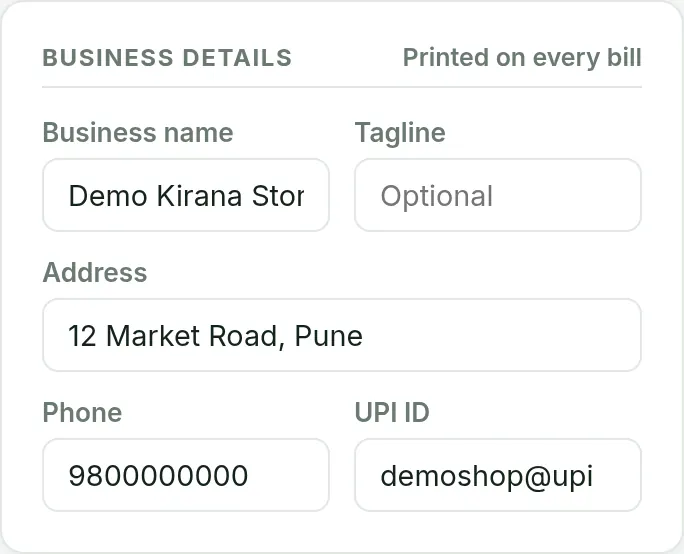

You need your business name and a few items. The rest of Setup can wait.
Open the app and sign in. In the menu, tap Setup and enter your business name, address and phone, then tap Save settings.
In the menu tap Items, enter an item name, price and GST rate, and save. If you already have a list in Excel, use Import instead (see the import article).
Tap New Bill. Under Choose items, tap each item once per unit. The total updates as you go.
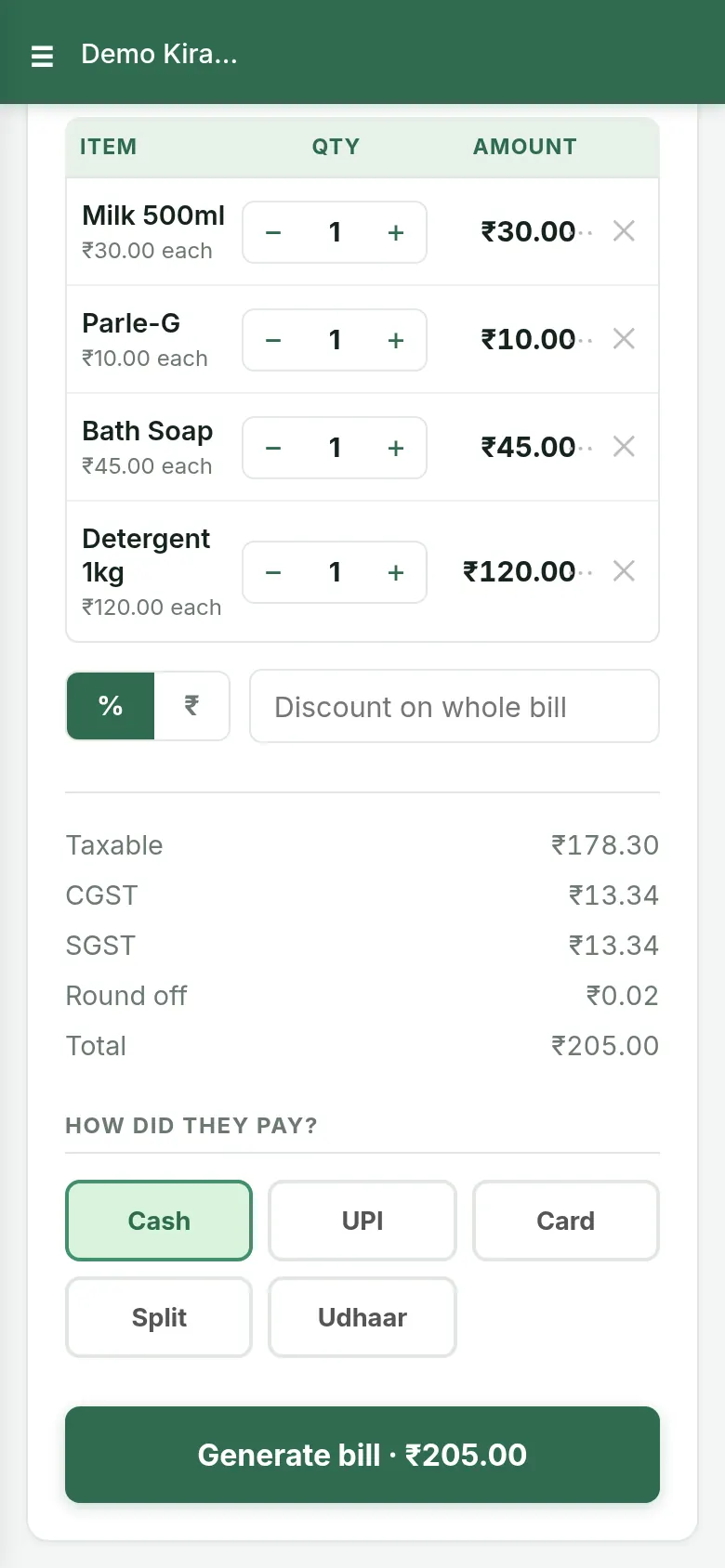
Under Customer, type a name and phone if you want them on the bill. Enter what the customer paid in Cash or UPI / Card. Leave both empty and the bill is recorded as udhaar (unpaid).
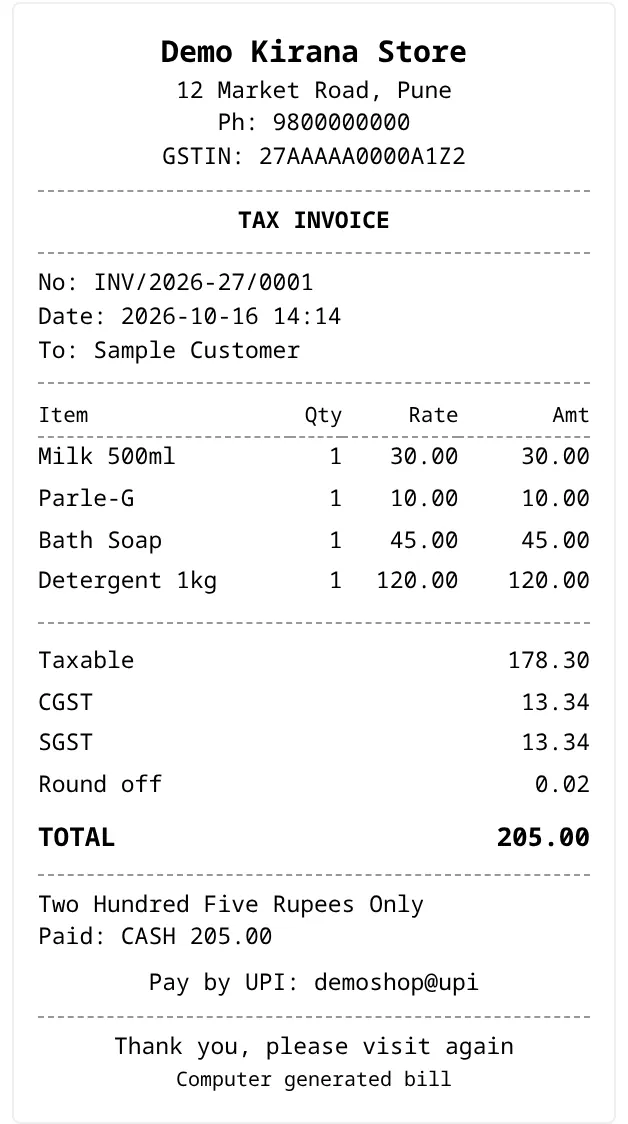
The bill opens with its number, tax breakup and amount in words. From there you can share it on WhatsApp or print it.
FAQ
Free to start, INR 2,500 or INR 5,000 a year.
Start free