Share on WhatsApp
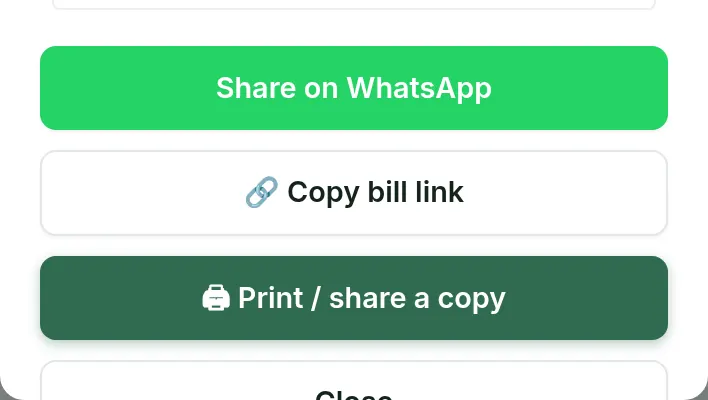
On the bill, tap Share on WhatsApp. WhatsApp opens with a message about the bill, ready to send to your customer.

Once you tap Generate bill, the bill is ready to send or print.
On the bill, tap Share on WhatsApp. WhatsApp opens with a message about the bill, ready to send to your customer.
Tap Copy bill link to paste a link to the bill anywhere. The link appears once the bill has synced to your account.
Tap Print / share a copy. In the print preview pick the paper your printer takes, then tap Print now.
In Setup, enter your UPI ID (like name@bank). Your bills then print a Pay by UPI line. Tap Save settings.
FAQ
Free to start, INR 2,500 or INR 5,000 a year.
Start free